Creating a cozy and productive home workspace is essential for anyone working or studying from home. A well-designed space can improve focus, reduce stress, and make your daily tasks more enjoyable. Whether you have a dedicated room or just a corner to work from, these tips will help you create an environment that supports both comfort and efficiency.
Choose the Right Location
Selecting the best spot for your workspace is the first step. Consider areas in your home that receive good natural light, have minimal distractions, and provide enough room for your needs.
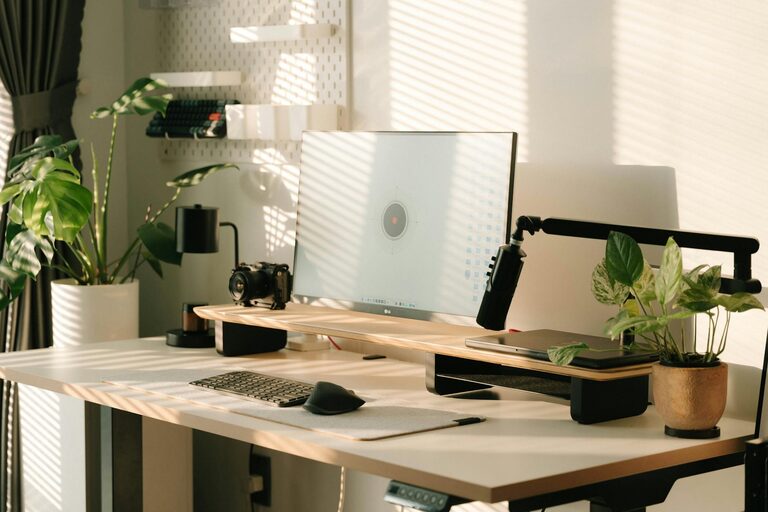
– Natural Light: Position your desk near a window if possible. Natural light boosts mood and energy levels, making it easier to concentrate.
– Quiet Corners: Find a spot away from household noise to reduce interruptions.
– Space: Make sure the space can comfortably fit your desk, chair, and other essentials without feeling cramped.
Invest in Comfortable Furniture
Comfort is crucial for long hours spent working or studying.
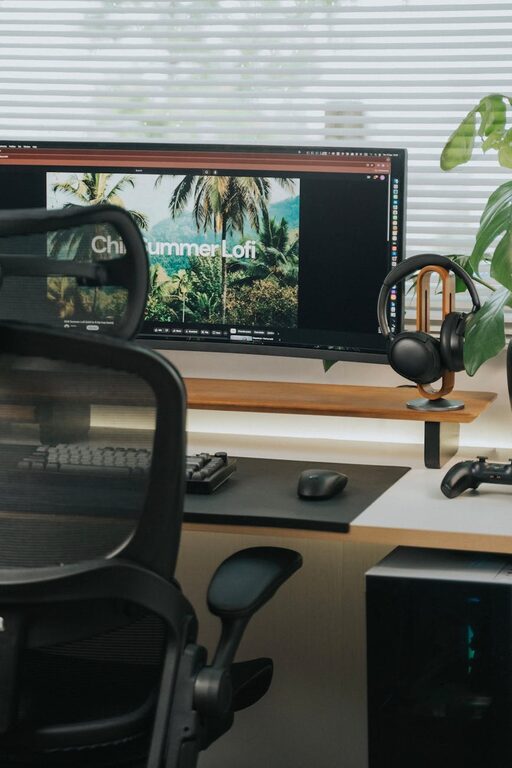
– Ergonomic Chair: Choose a chair that supports good posture with adjustable height and lumbar support.
– Functional Desk: Your desk should be the right height and size to accommodate your computer, notebooks, and any other work tools.
– Footrest: A footrest can improve circulation and reduce leg fatigue.
Organize Your Workspace
Keeping your workspace tidy helps clear your mind and enhances productivity.
– Desk Organizers: Use trays, pen holders, and file organizers to keep things in order.
– Cable Management: Prevent cable clutter with clips or sleeves.
– Storage Solutions: Incorporate shelves or cabinets nearby for extra supplies.
Personalize for Comfort and Inspiration
Adding personal touches makes your workspace inviting and motivating.
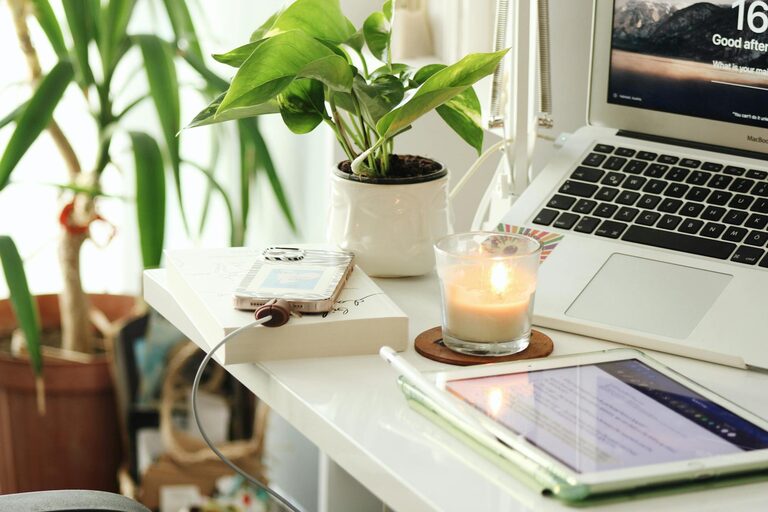
– Plants: Indoor plants bring a touch of nature and improve air quality.
– Artwork or Photos: Choose images that inspire or calm you.
– Soft Lighting: Use desk lamps or string lights for a warm atmosphere.
Create a Routine-Friendly Environment
Set up your workspace to support your daily routine and habits.
– Time Management Tools: Keep a clock or planner visible.
– Break Area: If space allows, have a small spot nearby for short breaks to stretch or relax.
– Minimize Distractions: Use noise-canceling headphones or white noise machines if needed.
Maintain Good Posture and Health
Your physical well-being affects productivity and comfort.
– Monitor Position: Keep your screen at eye level to avoid neck strain.
– Keyboard and Mouse: Place these within easy reach to prevent overextension.
– Regular Movement: Stand up and stretch regularly to reduce stiffness.
Optimize Technology Setup
Reliable technology helps keep your workflow smooth.
– Fast Internet: Ensure your internet connection is stable and fast.
– Ergonomic Accessories: Consider wireless keyboards or mice.
– Backup Solutions: Use cloud storage or external drives to keep your files secure.
Keep a Clean Environment
A clean workspace reduces stress and distractions.
– Daily Tidying: Spend a few minutes at the end of each day to clear your desk.
– Air Quality: Open windows or use an air purifier to keep the air fresh.
– Sanitization: Regularly clean surfaces and equipment.
—
By following these tips, you can create a home workspace that feels comfortable and fosters productivity. Remember, the best workspace is one that suits your individual needs and helps you stay focused while making work feel a little more enjoyable.