Creating a home workspace that feels both comfortable and productive is essential for anyone working remotely or managing tasks from home. A relaxing environment helps reduce stress, increase focus, and makes daily work more enjoyable. In this post, we’ll explore actionable tips to design a home workspace that promotes relaxation and supports your productivity.
Choose the Right Location
The foundation of a relaxing workspace is the right spot in your home. Ideally, pick a quiet area away from high-traffic zones to minimize distractions. If space is limited, find a nook or corner that you can dedicate solely to work.
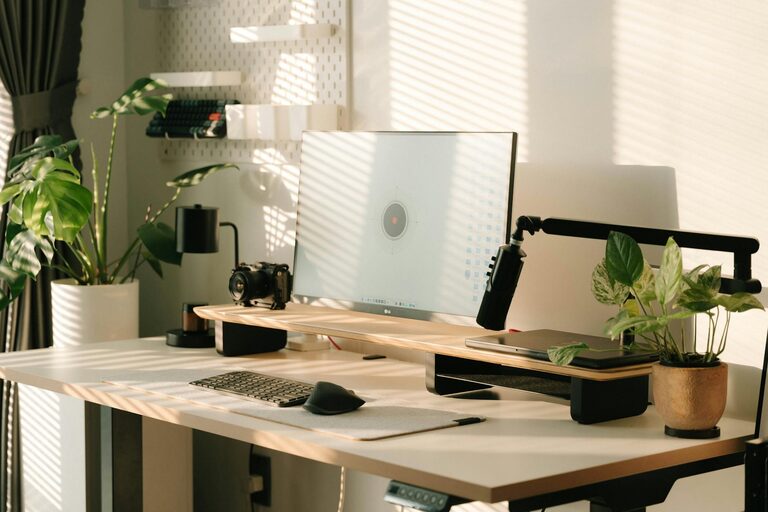
– Natural light: Position your desk near a window if possible to benefit from natural daylight. It improves mood and reduces eye strain.
– Ventilation: Ensure the area has good airflow. Fresh air helps keep you alert and comfortable during long work hours.
Invest in Comfortable Furniture
Your furniture choice plays a huge role in comfort and health.
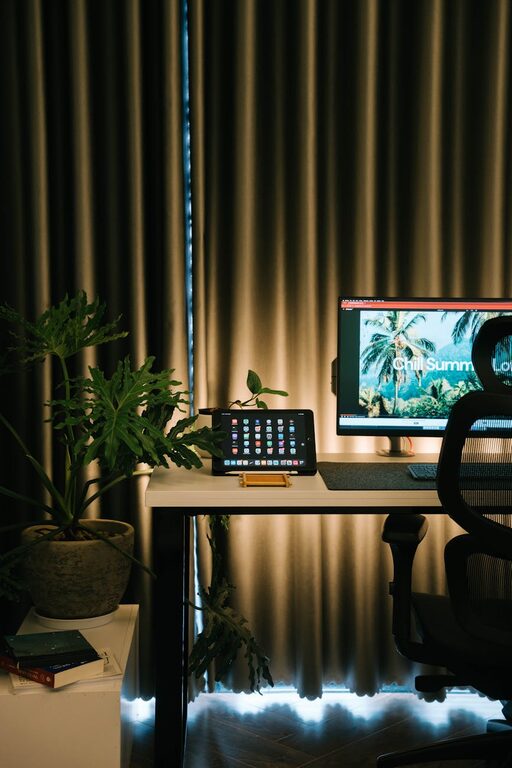
– Ergonomic chair: Invest in a chair that offers good lumbar support, adjustable height, and cushioning. Proper seating prevents back pain and increases focus.
– Desk setup: Choose a desk at the right height so your arms rest comfortably when typing. A clutter-free surface encourages productivity.
– Footrest: If your feet don’t rest flat on the floor, consider adding a footrest for extra comfort.
Personalize Your Space
Adding personal touches makes your workspace inviting and motivating.
– Colors: Choose calming colors like soft blues, greens, or neutrals to reduce stress. Avoid overly bright or distracting shades.
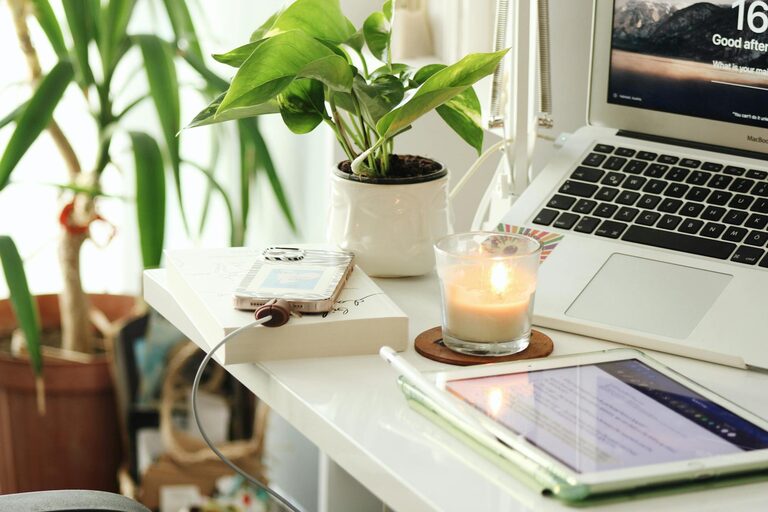
– Plants: Incorporate a few plants to add life and purify the air. Studies show that greenery can boost mood and focus.
– Artwork and photos: Display inspiring artwork or photos that make you feel happy but don’t overcrowd the space.
Optimize Lighting
Proper lighting reduces eye strain and enhances concentration.
– Task lighting: Use adjustable desk lamps for focused light when reading or working on detailed tasks.
– Ambient lighting: Soft overhead lighting creates a pleasant background. Avoid harsh fluorescents or overly dim environments.
– Screen position: Position your computer screen to avoid glare from windows or lights.
Keep It Organized
A tidy workspace contributes to a calm mind.
– Declutter regularly: Remove unnecessary items daily to keep the area neat.
– Storage solutions: Use drawers, shelves, and organizers to store supplies neatly.
– Minimal electronics: Limit gadgets and cables on your desk to reduce distractions.
Create a Routine to Enhance Relaxation
Your work habits impact how relaxing your space feels.
– Dress comfortably: Wear clothes that make you feel relaxed but ready to work.
– Break schedule: Take regular short breaks to stretch, hydrate, and rest your eyes.
– Background sounds: Play soft instrumental music or white noise if it helps you focus.
Incorporate Wellness Elements
Focus on your well-being while working.
– Hydration: Keep a water bottle nearby to stay hydrated throughout the day.
– Aromatherapy: Consider using subtle scents like lavender or eucalyptus with a diffuser to promote calmness.
– Movement: Include space for quick stretches or exercises to avoid stiffness.
Technology Setup for Comfort and Efficiency
Make sure your technology supports your work without causing strain.
– Monitor height: Your monitor should be at eye level to prevent neck strain.
– Keyboard and mouse: Use ergonomic peripherals that fit your hands comfortably.
– Cable management: Organize cables to avoid clutter and potential tripping hazards.
—
Creating a relaxing home workspace is about balancing comfort with functionality. By choosing the right location, investing in good furniture, keeping the area organized, and personalizing your environment, you can make working from home a positive experience. With these tips, your workspace can become a peaceful place that boosts your productivity and well-being every day.