Creating a relaxing home workspace is essential for staying productive and motivated. When your workspace feels calm and inviting, it can reduce stress and help you focus on your tasks. Whether you’re working remotely full-time or just occasionally, designing a home office that promotes relaxation can make a big difference in your daily routine.
In this post, we’ll share practical tips to help you transform your workspace into a peaceful, productive environment.
Choose the Right Location
Consider Natural Light
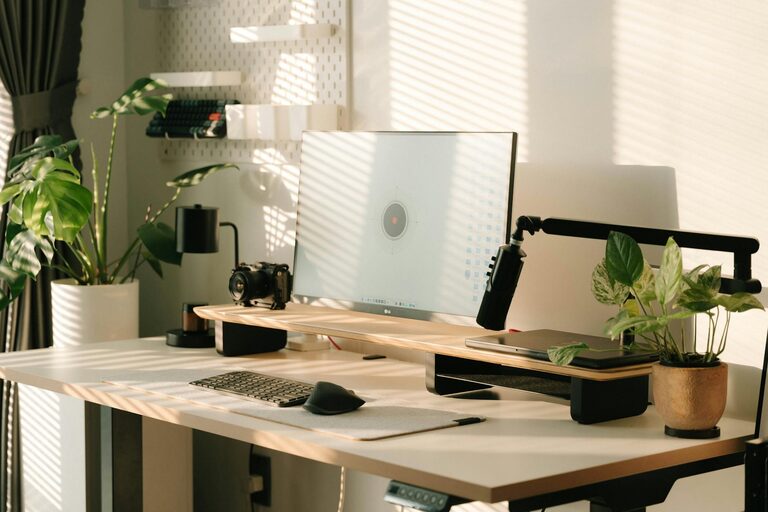
Natural light can energize you and improve mood. If possible, set up your desk near a window. This allows you to enjoy daylight, which can ease eye strain and create a pleasant atmosphere.
Find a Quiet Spot
Look for a part of your home with minimal distractions. A quiet corner or a separate room can help you focus better than a busy area with noise or foot traffic.
Invest in Comfortable Furniture
Ergonomic Chair and Desk
Comfort is key when it comes to long work hours. Choose an ergonomic chair that supports your back and promotes good posture. Pair it with a desk at the right height to avoid strain on your wrists and shoulders.
Add Soft Textures
Incorporate cushions or a cozy throw blanket to make your workspace feel inviting. Soft textiles add warmth and make sitting at your desk more comfortable.
Keep Your Space Organized
Declutter Regularly
A cluttered desk can create mental clutter. Keep only essentials on your workspace and tidy up at the end of each day. Use trays, drawers, or baskets to store supplies neatly.
Use Storage Solutions
Shelving units, file organizers, and drawer dividers help keep everything in its place, reducing stress when you search for items.
Personalize Your Workspace
Add Greenery
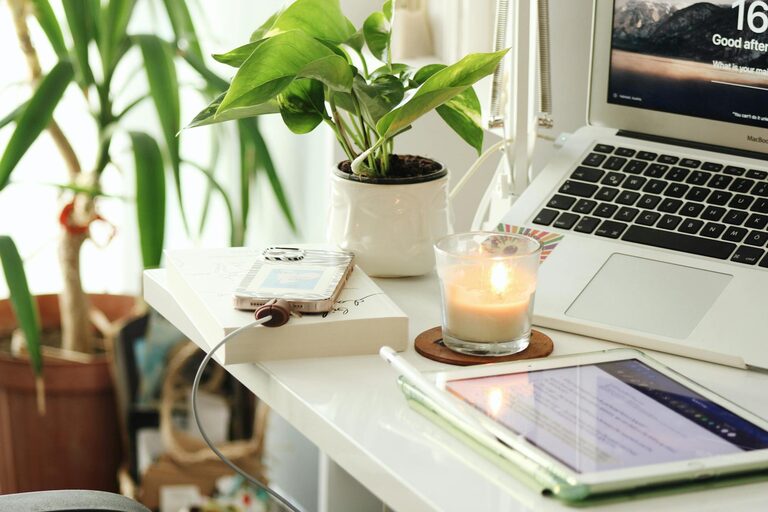
Plants not only brighten up your space but also improve air quality. Choose low-maintenance plants like succulents or spider plants to bring nature indoors.
Display Meaningful Items
Incorporate photos, artwork, or objects that motivate you. Personal touches can make your workspace more enjoyable and inspire creativity.
Manage Lighting Effectively
Use Adjustable Lighting
Along with natural light, use adjustable lamps to control brightness. Warm light tones tend to be more relaxing than harsh, bright lights.
Avoid Screen Glare
Place your monitor so it doesn’t reflect sunlight or overhead lights. Positioning the screen correctly helps reduce eye fatigue.
Create a Calming Ambiance
Incorporate Soothing Colors
Choose soft, neutral colors like pale blues, greens, or earth tones for your walls and accessories. These colors can promote calmness and focus.
Play Gentle Background Sounds
Some people find white noise, nature sounds, or soft instrumental music helpful. These sounds can drown out distractions and create a peaceful work environment.
Maintain Healthy Habits
Take Regular Breaks
Step away from your desk periodically to stretch, walk, or relax your eyes. Breaks can improve concentration and reduce tension.
Keep Hydrated and Nourished
Keep a water bottle nearby and have healthy snacks available. Staying hydrated and energized supports better productivity.
Use Technology to Your Advantage
Keep Your Devices Organized
Manage cables with clips or sleeves to avoid a tangled mess. A neat workspace also helps keep your tech functional and safe.
Set Up Focus Tools
Use apps that block distracting websites or remind you to take breaks. These tools support your productivity and help maintain a balanced workflow.
—
By following these tips, you can design a home workspace that feels relaxing and boosts your productivity. Remember, your workspace should reflect your needs and preferences, so customize it to what makes you comfortable and focused.
Enjoy creating a calm environment where you can do your best work every day!